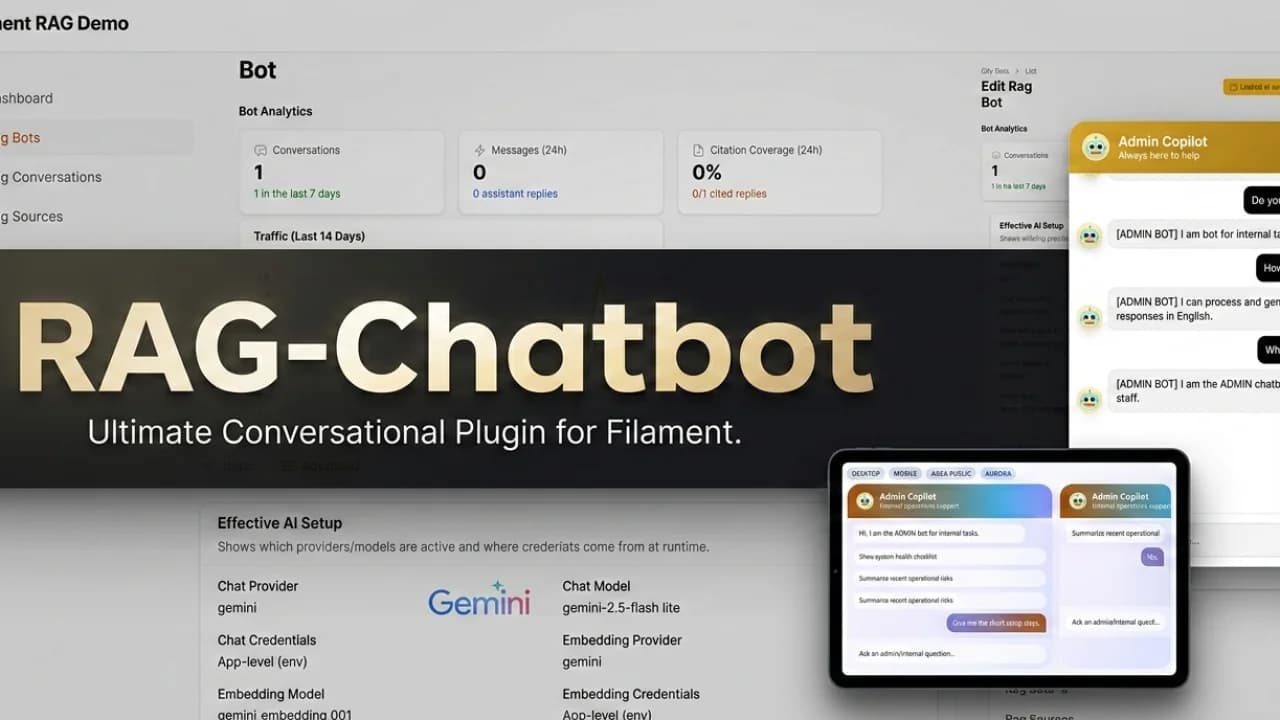
Building a Laravel AI chatbot looks simple at first. Add a chat endpoint, call an LLM provider, stream the response, and show the result in a widget.
That is only the demo.
The production version usually needs RAG, source ingestion, vector storage, queues, retries, widget security, conversation review, admin settings, rate limits, privacy controls, and a way for non-developers to manage the bot. If the chatbot also needs to route users, call APIs, or create records, the scope expands again.
This guide helps Laravel and Filament teams decide when to build from scratch and when to buy a plugin like RAG Chatbot or Agentic Chatbot.
The Real Scope of a Laravel AI Chatbot
A useful Laravel AI chatbot is usually not one feature. It is several systems working together:
- chat UI and streaming responses
- bot configuration and model settings
- prompts and safety instructions
- source ingestion for documentation, URLs, files, and text snippets
- vector storage with pgvector or Chroma
- retrieval tuning and citations
- embeddable widget configuration
- domain controls and signed access
- conversation history and analytics
- queue workers and failed job handling
- provider key validation and health checks
- privacy export and deletion workflows
If you already use Filament, most of that scope becomes admin UI: resources, forms, tables, actions, dashboards, settings pages, and authorization rules.
That is where buying a Filament AI chatbot plugin can save serious time.
When Building Makes Sense
Build from scratch when the chatbot is narrow, temporary, or deeply custom.
Good build cases:
- you only need an internal prototype
- the chatbot answers from one fixed source
- the UI is not important yet
- no public widget is needed
- developers will manage every setting
- there are unusual compliance or infrastructure requirements
- you are building a core AI platform, not a feature inside an existing product
In those cases, a custom Laravel implementation can be lean. You can start with the Laravel AI SDK, a provider API, a simple chat table, and a retrieval backend. Just be honest about where the prototype ends.
When Buying Makes Sense
Buy when the chatbot needs to become part of a real product or client project.
A plugin is a better fit when you need:
- multiple bots with different prompts and sources
- source ingestion from URLs, files, sitemaps, and text snippets
- pgvector or Chroma without writing all operational glue code
- an embeddable AI chatbot widget for Laravel or external sites
- conversation review inside Filament
- health checks for provider keys, queues, and vector storage
- support team controls without database access
- a faster path to demo, sale, or client delivery
Cost Comparison
The purchase price of a plugin is only one number. The real comparison is build time plus maintenance.
| Area | Build yourself | Buy a plugin | | --- | --- | --- | | First demo | Fast | Fast | | Admin UI | Slow | Included | | Source ingestion | Medium to hard | Included | | Widget settings | Medium | Included | | Production checks | Often delayed | Included or guided | | Conversation review | Must be built | Included | | Team handoff | Harder | Easier | | Maintenance | Fully yours | Shared with plugin updates |
If you are an agency, the opportunity cost is usually the deciding factor. Every hour spent rebuilding bot CRUD, ingestion dashboards, widget config, and run review is an hour not spent on the client's actual business logic.
Build vs Buy Checklist
Choose custom build if most answers are yes:
- The chatbot is experimental.
- One developer can own the entire feature.
- You do not need a polished Filament admin surface.
- You can accept missing conversation review at first.
- You do not need public embeds or signed widgets.
- The bot will not be sold as part of a client deliverable soon.
Choose a plugin if most answers are yes:
- You need to launch quickly.
- The chatbot should be managed from Filament.
- Product or support users need to update sources.
- You need an embeddable widget.
- You need citations and retrieval tuning.
- You need operational checks before production.
- You want to sell or demo the AI feature to customers.
Start with the Right Plugin
If the job is "answer from docs", start with RAG Chatbot. It gives you a Laravel RAG chatbot plugin for source ingestion, retrieval, citations, widgets, and Filament operations.
If the job is "guide users through a process", start with Agentic Chatbot. It gives you a Filament AI chatbot plugin for RAG plus visual workflows, API calls, database actions, and run tracing.
If you are comparing the full product family, browse Filament plugins for Laravel.