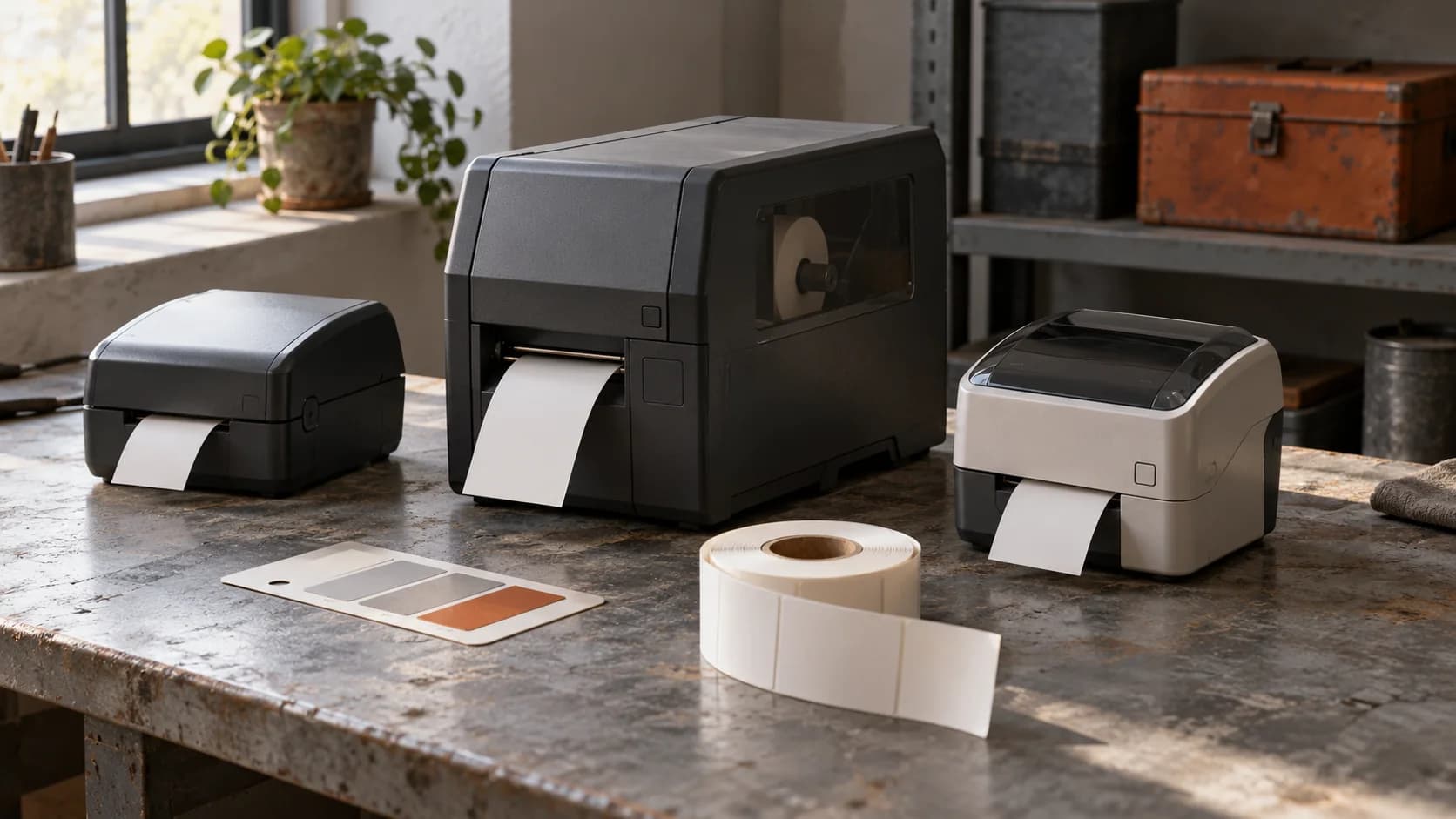
A customer knows what they need to do. Your catalog knows what you sell. There is often a surprisingly large gap between those two things.
Someone looking for a label printer might describe their shipping volume, the software they already use and the space available on the packing bench. Your filters ask for print technology, resolution and model series. A salesperson can translate between those worlds. A well-built AI product advisor can help with that first conversation, too.
The interesting part is connecting the conversation to actual products, current availability and a useful next step. Here is how I would approach it for a B2B catalog backed by a Laravel application.
Start with the questions your sales team already asks
Before choosing a model, spend an hour with the people who answer product inquiries. Ask which missing details change their recommendation. You will usually get a much more useful starting point than a list of chatbot features.
For a label-printer distributor, the important questions might be daily volume, label dimensions, connection requirements, materials and the applications the customer uses. For a furniture supplier, they could be room dimensions, durability and delivery location. Keep the first version to one product family.
A conversational product finder is useful when customers describe an application but struggle to identify the right attributes. If most visitors arrive with a known part number, a good search field may already handle the job. Keep it available alongside the advisor.
A real example: ifm's application assistant
In diva-e's published account of its work with ifm, customers describe an industrial application and receive product suggestions with follow-up questions. The implementation combines product specifications, application reports and explanatory content. It illustrates why catalog advice needs several sources of information. This is an external project, not a customer implementation of my plugin.
The practical lesson is to record how your experts connect requirements to products. Which facts rule something out? Which details remain uncertain? A persuasive description is easy to generate. An explainable choice takes better data.
Give stable knowledge and changing facts different jobs
Installation notes, product guides and application examples help explain a choice. Available stock and an item's current sales status need a fresh lookup. A PDF uploaded last month should not decide whether an item is available today.
| Information | Suitable source | How it affects the answer |
|---|---|---|
| Product capabilities and limitations | Approved documentation and structured specifications | Explain fit and flag missing evidence |
| Published items and variants | Catalog database or an approved catalog API | Return existing products and their links |
| Availability | Inventory service or current application records | State the reported status and when it was checked |
| Compatibility | Maintained compatibility records or a dedicated check | Verify an exact combination |
| Inquiry destination | Your configured sales process | Prepare a request for the appropriate team |
For the broader distinction between retrieved documents and application tools, I have a separate guide to approved API calls in Laravel chatbots. Here, the catalog is the focus.
Your host application should define which products and fields a visitor may see. Public catalog information and account-specific information can require different access rules. Do not let a customer-supplied account identifier choose those permissions.
Work through one believable buying conversation
Consider this illustrative scenario with fictional products, not a customer case study.
Customer: We ship about 500 parcels a day and need a label printer that works with our existing shipping application.
The advisor first asks for the application name and label format. Asking six questions immediately is usually unnecessary. Ask the next question that could change the shortlist.
Suppose your example catalog contains DeskLabel 100, PackLabel 500 and PackLabel 500N. Those names alone say nothing reliable about daily volume or compatibility. The advisor needs the corresponding specifications and verified compatibility records.
Once it has the missing requirements, the application applies explicit eligibility rules. The conversational layer can explain the remaining options. For each result, show a product link, the facts that support the match, a relevant difference and any unresolved requirement.
If the catalog has no compatibility evidence for the customer's shipping application, say so. An expert can check it before the customer proceeds. The absence of a match is useful information; it should not quietly turn into a recommendation.
Let the conversation produce a useful inquiry
A buyer who has narrowed the choice may want an offer, an installation check or a call with sales. At this point, the advisor can assemble the context already collected:
- The selected product identifiers and requested quantity.
- The intended application and requirements.
- Any compatibility question that remains open.
- The contact details the visitor chooses to provide.
Show the request before sending it. The customer should be able to correct a quantity, remove a product or change a contact address. Sending the inquiry is a separate action from discussing products.
A successful request needs a confirmed result from the destination system. If an API times out after receiving it, avoid immediately sending another request. Record the uncertain outcome and check what happened. Otherwise, your sales team may receive duplicates while the customer receives conflicting messages.
How I would configure this in a Laravel and Filament application
I build Filament Agentic Chatbot. For this use case, its building blocks can cover the conversational surface, approved knowledge, live data tools, confirmation and human handoff.
I would assign one Agent to the product family, add maintained guides as Knowledge Sources and approve a narrowly scoped Data Resource for catalog records. If inventory lives in an ERP, I would configure an API Connector for the allowed lookup. A request-writing operation could create the inquiry in an approved application resource or connected system after confirmation.
The catalog mapping, inventory connection and business rules still belong to the implementation. Publishing an Agent does not make an unknown ERP integration appear. Start with the sources and operations you can verify.
Use an optional Playbook when the inquiry needs a defined sequence, such as additional checks before submission. Straightforward questions can be handled by the Agent using its approved tools.
The checks that catch expensive mistakes
Build a small set of real sales questions, including the awkward ones. Test a discontinued item, a plausible but nonexistent SKU, an unavailable variant and an unsupported compatibility claim. Include a customer who changes their requirements halfway through the conversation.
Also test an inventory outage and a repeated inquiry submission. A missing stock response must not become “available”. A completed submission must not be executed again because someone pressed the button twice.
Have a product specialist review the shortlist and its explanation. A recommendation can use genuine products and still be unsuitable. Catalog grounding is necessary, but your domain rules and expert review matter just as much.
Measure whether sales receives better requests
Useful measures include the share of inquiries with enough information to act on, how often sales has to repeat discovery questions and the rate of unsuitable recommendations in reviewed conversations. Track the reasons for handoff, too. Repeated uncertainty about one attribute may reveal a catalog problem you can fix.
Compare similar inquiry types before and after the pilot. A busier month or a changed product range can distort a simple total. Chat volume alone does not tell you whether the advisor helped.
A sensible first rollout is one product family, maintained specifications, a read-only availability check and a confirmed inquiry action. That gives you a complete buying step to evaluate without attempting to automate your entire sales department.
A few questions that come up early
Can the advisor work with a small catalog?
Yes. The difficulty of choosing matters more than the number of items. A small range with important compatibility differences can benefit more than a large, straightforward catalog.
Does every recommendation need an API call?
Stable product guidance can come from approved documentation. Use a current lookup for facts that change or need exact verification, such as availability and published variants.
Can it generate a binding offer?
That requires a separate, explicitly authorized business process. Preparing an inquiry is a narrower first step. Keep contractual commitments with your existing quoting system and authorized team.